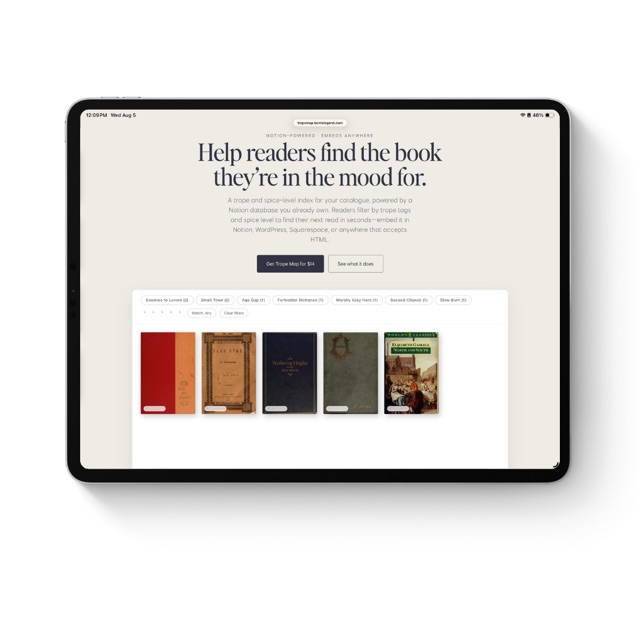
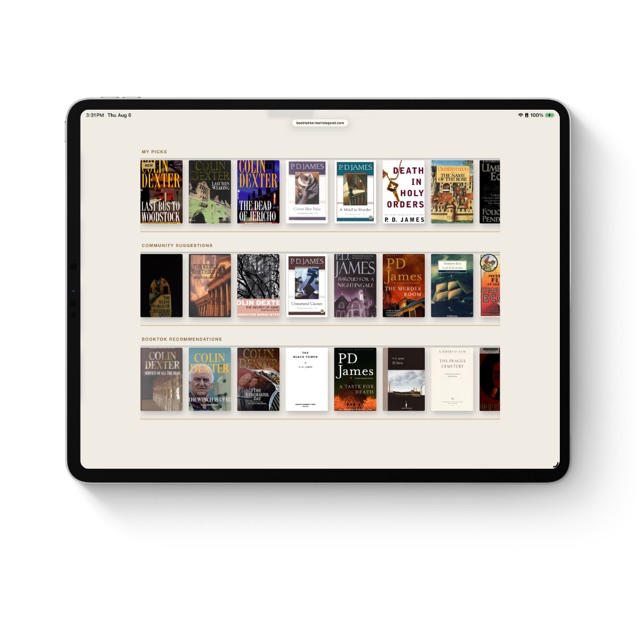
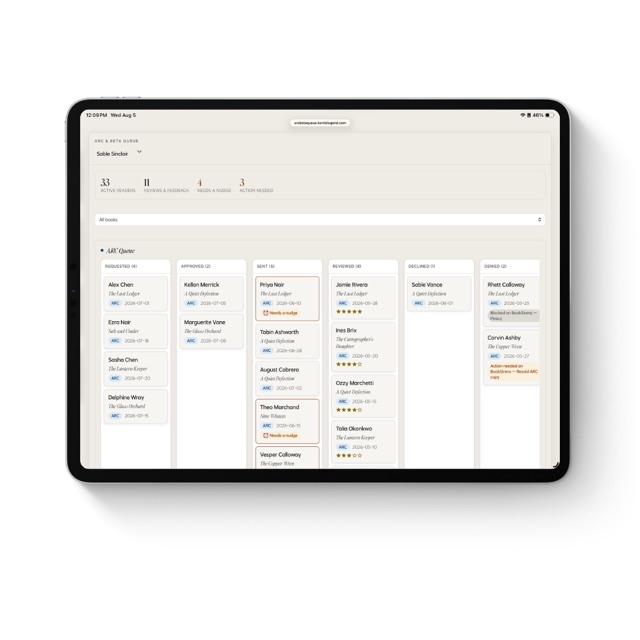
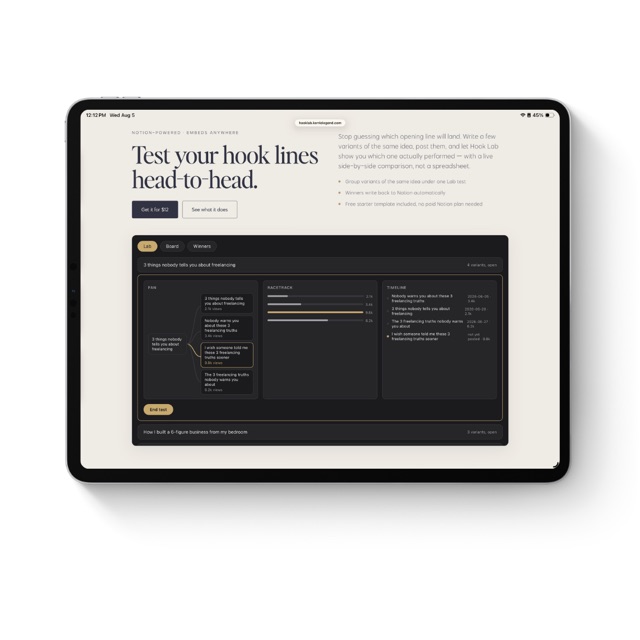
Notion-powered · Embeds anywhere

Your featured book, your shelves, one widget. Embed it anywhere.

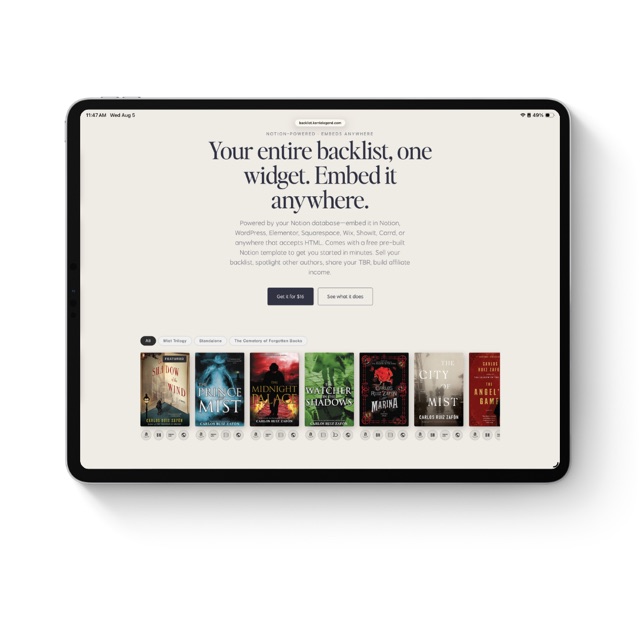
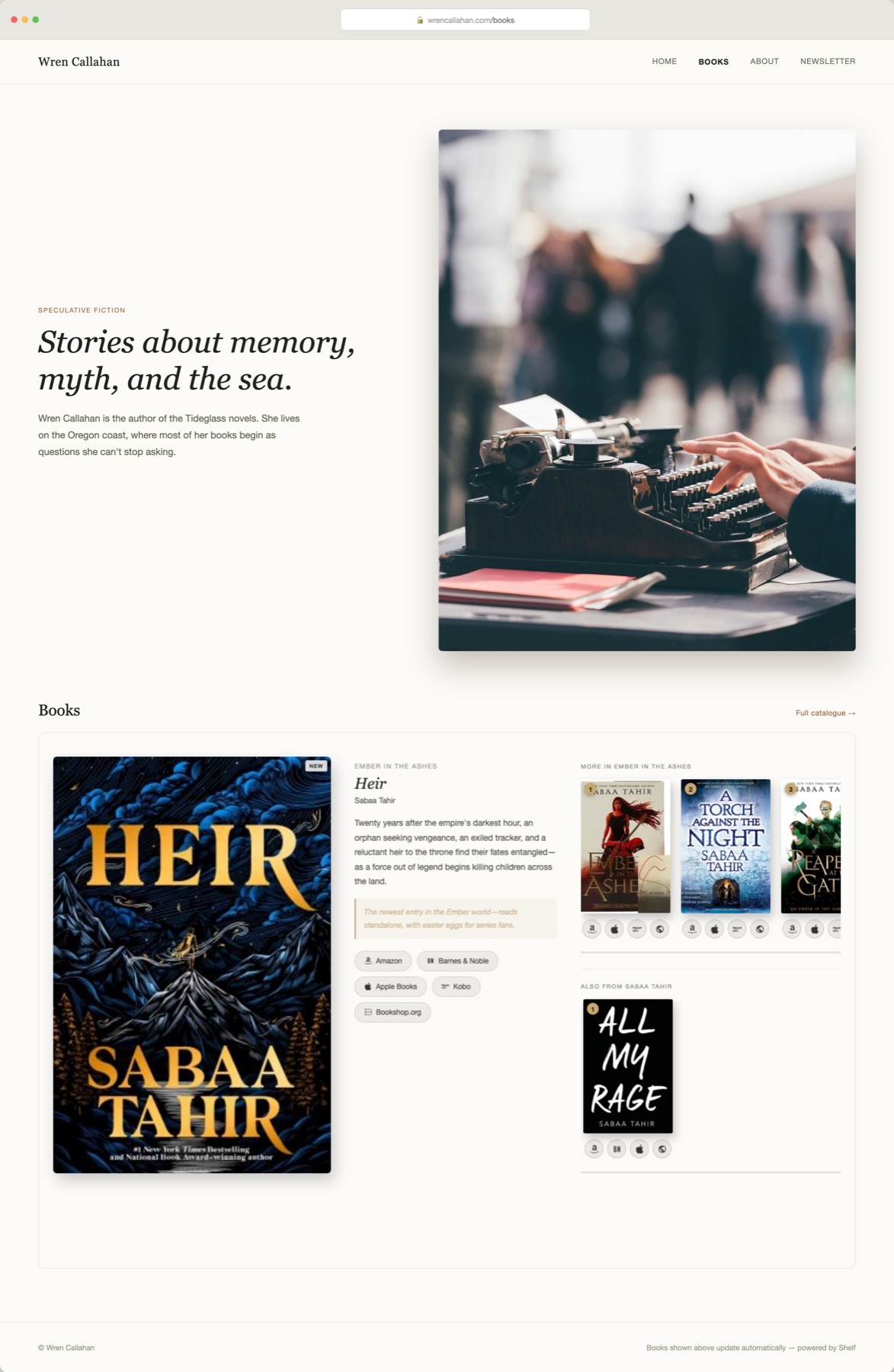
Powered by your Notion database—embed it in Notion, WordPress, Elementor, Squarespace, Wix, ShowIt, Carrd, or anywhere that accepts HTML. One large featured book with its buy links already visible, plus two shelves that sort themselves—more in that series, and everything else. Earn affiliate income on every click.

Featured book + shelves

One widget. A featured book and shelves that sort themselves.

Lead with a freebie or new release

Check Featured on whatever you want readers to see first—a series starter, a permafree title, a fresh release—and it renders large with its buy links already visible.

Guide readers through a series

Every other On Shelf book sharing the featured book's Series appears in its own shelf, sorted by Series Number—so readers see exactly what comes next.

Affiliate income

Every retailer link can carry your affiliate tag, so a recommendation you were making anyway starts paying you back.

Embed anywhere

One widget, embedded on your Notion page, your blog, or your link-in-bio site—no separate list to maintain per platform.

Live demo

Your featured book. Your shelves. One widget.

The featured book's blurb, Why Start Here note, and buy links are already visible—readers scroll the shelves underneath and tap a cover for the same on any other book. The widget needs about 1100px of width to lay out its three columns side by side—narrower embeds stack automatically.

Why it works

Every book on your TBR, organized and shared with intention.

Your shelves, always current

Check On Shelf on a book in Notion and it's live in the widget on your next refresh. No re-embedding, no rebuilding a link page by hand every time your catalogue changes.

A book that gets top billing

Check Featured on one book and it renders large—cover, blurb, and every buy link already visible, no click needed. Everything else sorts itself into two shelves underneath.

A note on every book

Add a short 'Why Start Here' line to any title and it shows next to the blurb. It's the difference between a link dump and a recommendation readers actually trust.

Covers, resolved automatically

Enter a title and author—an ISBN if you have one—and the widget finds the cover for you. No image hosting, and no broken art when a cover disappears.

Earn on every click

Add your Amazon, Bookshop.org, and Kobo affiliate IDs once in your widget settings. They're appended to every matching link automatically—no need to touch individual book URLs in Notion.

Embed it anywhere

Your Notion workspace, your WordPress site, your Squarespace portfolio, your Elementor page, your Wix store, your ShowIt template—one widget, embedded everywhere your readers find you.

What it does

Everything the widget does for you.

One featured book, two shelves

One large book—cover, blurb, Why Start Here note, and every buy link already visible, no click needed—plus a "More in [Series]" shelf and an "Also from [Author]" shelf underneath, each capped at 12 and side-scrolling, iBooks-style.

Order badges, per shelf

Each shelf badges its covers by the field it's actually sorted by—Series Number on the series shelf, Recommended Order on the catch-all shelf—so the sequence is obvious at a glance.

Auto-resolved covers

Title and author is all it takes—the widget checks Open Library and Google Books automatically. Add an ISBN for an exact edition, or paste a Cover URL to override entirely.

A note on every book

"Why Start Here" appears next to the blurb—the personal context that makes a recommendation land.

Tap a cover, see everything

Shelf covers open a lightbox with the blurb, your Why Start Here note, and buy buttons for every retailer that book is on.

Globe overflow panel

Tap the globe icon on any shelf cover to see every additional retailer for that book—no store ever gets buried.

Affiliate tag injection

Enter your Amazon, Bookshop.org, and Kobo affiliate IDs once in your widget settings. They're appended to every matching link automatically.

Click analytics

See exactly which books and which retailers readers are clicking, updated in real time on your setup page.

Accent color, your way

Pick your brand color right in the widget editor—no code, no URL hacks—and it colors every order badge and lightbox highlight. A per-embed URL override is still there for the rare placement that needs to look different.

Light & dark themes

The widget defaults to a charcoal dark background. Add &theme=light to your embed URL for a transparent background that blends with any page design.

Order badges on or off, cap override per shelf

Turn off numbered badges for a cleaner look, or set a cap override to show fewer than the default 12 on each shelf.

Friendly empty state

Nothing marked Featured yet? The widget shows a short setup nudge instead of a blank box.

Unlimited catalogue, capped shelves

No cap on your Notion library size—each shelf shows its own top 12 (or fewer with a cap override). Every future feature is included free, forever.

Pricing

One payment. Yours for good.

$16 one-time
  • Free starter Notion database template—duplicate and start adding books immediately
  • Auto-resolved covers—no image hosting required
  • One featured book, plus two shelves that sort themselves
  • Unlimited books in Notion; up to 12 shown per shelf
  • Affiliate tag injection for Amazon, Bookshop.org & Kobo
  • Click analytics dashboard
  • Light & dark themes, an in-editor accent-color picker, optional order badges
  • Lifetime access—no subscription
Get it for $16

Instant delivery. Your private setup link is emailed right after purchase. All sales final.

FAQ

Questions, answered.

What is this, exactly?
A widget that turns a Notion database into one large featured book plus two auto-built shelves—"More in [Series]" and "Also from [Author]"—you can embed anywhere: your Notion workspace, WordPress, Elementor, Squarespace, Wix, ShowIt, Carrd, or any platform that accepts an iframe. The featured book's blurb, Why Start Here note, and buy links are all visible without a click; shelf covers open a lightbox with the same.
Can I embed it on my website, not just Notion?
Yes—that's a core feature. After setup you get both a Notion embed URL and a standard iframe snippet. Paste the iframe into a WordPress Custom HTML block, an Elementor HTML widget, a Squarespace Code block, a Wix HTML iFrame element, a ShowIt Embed widget, a Webflow HTML Embed, a Carrd Embed element, or anywhere else that accepts raw HTML.
How do I get access after I buy?
You'll receive a private setup link by email the moment you purchase, along with the full setup guide. Setup is a one-time process: connect your Notion database and paste your widget URL into any Notion page as an embed. After that it stays connected and updates automatically.
What does 'lifetime access' mean?
One payment, yours for good. No subscription, no renewal, no monthly fee. Every feature I add in the future is included free.
How many books can I add?
As many as you like to your Notion database—only the books you check On Shelf are eligible. Check Featured on exactly one for the large spotlight slot; every other On Shelf book sorts into one of the two shelves below it, up to 12 per shelf (or fewer with a cap override).
Which retailers are supported?
The widget has buy-link buttons for 28+ retailers: Amazon, Barnes & Noble, Apple Books, Kobo, Google Play, Audible, Scribd, Spotify, Libro.fm, Chirp, Downpour, Hoopla, Libby/OverDrive, BookShop.org, Waterstones, Blackwell's, BAM, ThriftBooks, Target, Walmart, Smashwords, Draft2Digital, Gumroad, Payhip, Booktopia, BookFunnel, Storytel, and a slot for your own Author Store.
What if a book isn't on every retailer?
Leave that link blank in Notion and the button simply doesn't appear. Your widget only shows buttons for stores where the book is actually available.
Do I need a paid Notion plan?
No. The widget works on Notion's free plan. If you can create a database, you're set.
Can I use a database I already have?
Yes, as long as it has the right property names. The setup guide lists every property and its exact name. If yours are different, a quick rename is all it takes.
I lost my setup link—what do I do?
Email me at kerrie@kerrielegend.com with the address you used to purchase and I'll resend it.
Do I need to be technical to set this up?
Not at all. If you can use Notion, you can use this. The guide walks through every step with screenshots.
What's your refund policy?
Because it's a digital product delivered instantly, all sales are final. If something isn't working as described, reach out and I'll make it right.
Is this affiliated with Notion?
No, it's an independent tool and isn't affiliated with, created by, or endorsed by Notion Labs.
What's new

Always improving—free for you.

Launch
  • One large Featured book—cover, blurb, Why Start Here note, and every buy link visible, no click needed.
  • Two auto-built shelves underneath: "More in [Series]" sorted by Series Number, "Also from [Author]" sorted by Recommended Order—each capped at 12, side-scrolling, iBooks-style.
  • Auto-resolved covers from title + author (or ISBN), with a manual Cover URL override.
  • Shelf-cover lightbox with blurb, your 'Why Start Here' note, and buy buttons to every retailer you've added.
  • Globe overflow panel for retailers beyond the top few.
  • Affiliate tag injection for Amazon, Bookshop.org, and Kobo.
  • Click analytics on your setup page.
  • Light & dark themes, an in-editor accent-color picker (with per-embed URL override), a per-widget order-badge toggle, and an optional cap override per shelf.
Kerrie Legend

Your compass to an independent creative life. Books, posts, and solutions for creatives charting their own course to a sustainable, independent business.

kerrielegend.com